The Essential Components of a 4K Video Editing PC
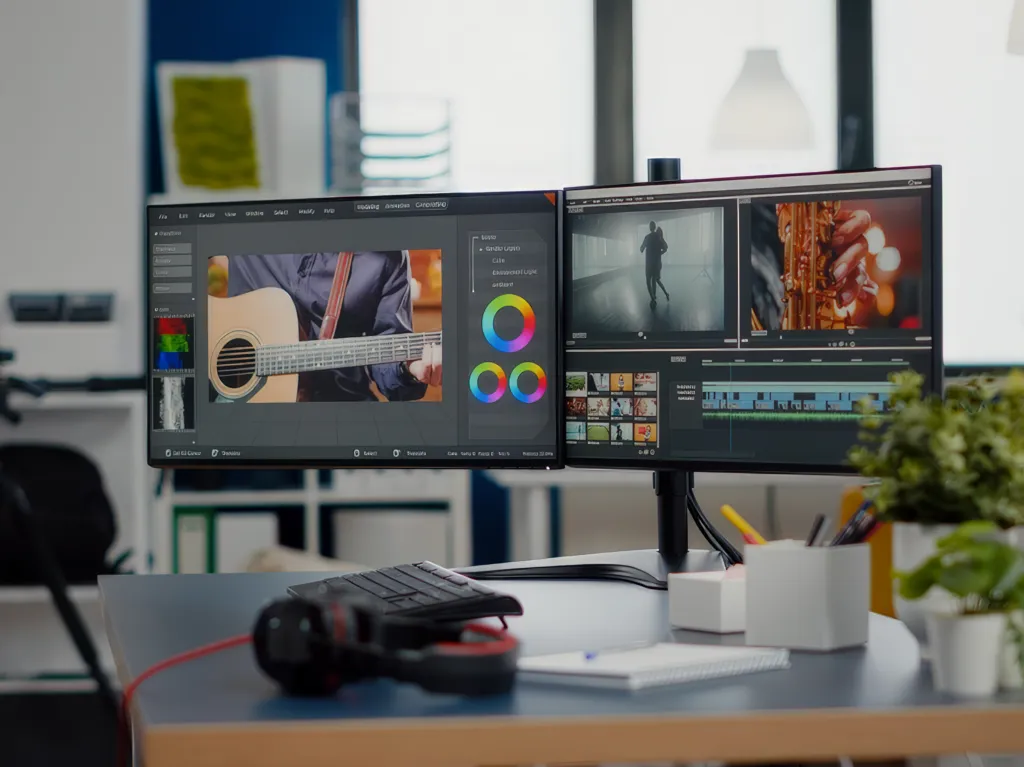
Editing video in 4K resolution demands a powerful computer capable of handling an intensive workload. The requirements for a 4K video editing machine vary depending on the software and the type of content being edited. Thanks to the latest technology, it’s entirely possible to build a custom PC optimized for 4K video editing.
In this blog post, I’ll walk through the key components of an optimal 4K video editing PC and offer advice for building a system that fits your needs. I’ll also explain why each component matters for 4K editing and share a few tips for getting the most out of your machine. By the end, you’ll have the knowledge to confidently build the perfect 4K video editing PC.
1. Consider the type of processor you need
When designing an optimal computer for 4K video editing, one of the most important factors to consider is the type of processor required. 4K video editing demands a powerful CPU to handle the rendering and export of large files. Intel’s 9th-generation Core i9, for example, is a strong choice for 4K editing since it can handle 8K content and support up to 16 threads. An AMD Ryzen 9 3950X offers 16 cores and 32 threads, making it an excellent option for professional video editing. The processor should also be paired with an adequate amount of RAM so the system can handle large files, along with a graphics card capable of managing complex edits.
2. Select the right amount of RAM
When building an optimal computer for 4K video editing, one of the most important factors to consider is how much RAM you need. Choosing the right amount means weighing the complexity of the projects you’ll be working on against your available budget. A minimum of 16 GB of RAM is recommended for 4K video editing, though more is always better. For more demanding projects, 32 or 64 GB of RAM can deliver significantly better performance. It’s also important to match your RAM speed to your processor’s to ensure optimal performance.
3. Choose a storage solution
When building an optimal computer for 4K video editing, choosing the right storage solution is essential. You need a system that offers enough space for all your files, along with reliable performance and fast data transfer speeds. Solid-state drives (SSDs) are recommended, as they read and write data faster than a traditional hard drive. Look for an SSD with a high endurance rating as well, meaning it can withstand frequent read/write cycles over a long period. Finally, make sure the SSD is compatible with your computer’s operating system and certified for the type of 4K video editing you’ll be doing.
4. Invest in a quality graphics card
When building an optimal computer for 4K video editing, investing in a quality graphics card is essential. A graphics card is a specialized type of computer processor that accelerates the creation and rendering of images, video, and animation. A good graphics card should have a high-speed processor, ample onboard memory, and a solid cooling system to ensure optimal performance and reliability. It’s also important to choose a card that supports 4K video editing, since not all of them do. Investing in a quality graphics card pays off in the long run, making 4K video editing smoother, faster, and more efficient.
5. Assess your cooling system requirements
When building an optimal computer for 4K video editing, it’s important to assess your cooling system requirements. This means determining what types of fans and radiators are needed to keep the computer cool and running efficiently. You’ll also need to consider how many fans are required for adequate cooling, along with fan size and the number of fan mounting points. Choosing the right cooling components matters, because a faulty or inadequate cooling system can cause the computer to overheat and prevent it from running at its best.
In conclusion, building an optimal computer for 4K video editing takes careful thought. You need to make sure your computer has the power and speed to handle 4K video editing, along with enough storage capacity for all your media. Investing in an SSD is a smart move, as it will improve both the speed and reliability of your computer. With the right components and the right configuration, you can easily put together a powerful 4K video editing machine.